
The Habits That Quietly Shorten Your Device's Lifespan
Overcharging overnight, skipping updates, dusty vents — everyday routines that wear out electronics faster than they should.
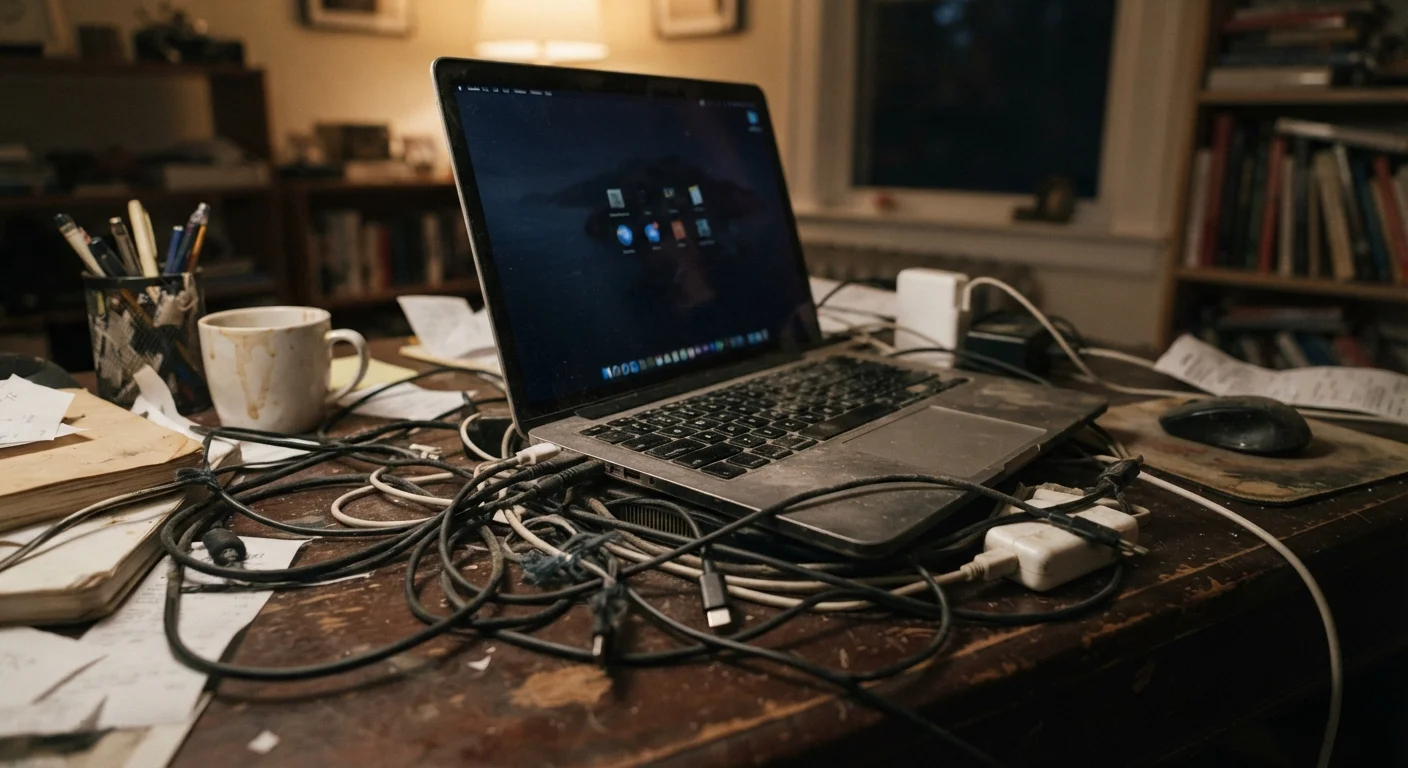
Photo: ReadersChronicle.com | Your Comprehensive Learning Destination editorial
—— In This Article
Key Takeaways
- Keeping devices plugged in at 100% charge degrades lithium-ion batteries faster over time.
- Blocked vents trap heat, which is one of the primary causes of premature hardware failure.
- Skipping software updates leaves devices vulnerable and can worsen long-term performance.
- Storage nearly full slows your device and accelerates wear on solid-state drives.
- Exposure to extreme temperatures - hot cars, freezing windowsills - causes lasting internal damage.
Why Everyday Habits Matter More Than Manufacturing Quality
Device manufacturers design phones, laptops, and tablets to last - but their longevity estimates assume reasonable usage conditions. The gap between a device lasting three years and lasting six often comes down to the small, repeated choices made during daily use, not a defect from the factory.
Most hardware degradation is cumulative. No single overnight charge kills a battery. No single dusty month destroys a fan. But consistent exposure to avoidable stressors - heat, full storage, blocked vents - compounds quietly until performance suddenly drops off a cliff. Understanding why devices slow down internally makes it easier to see why prevention is far more effective than troubleshooting after the fact.
Heat Is the Fastest Way to Kill Electronics
Sustained heat above normal operating ranges degrades battery cells, warps internal components, and reduces the lifespan of processors and storage chips. Never leave a device in a hot car, on a sun-facing windowsill, or running intensive tasks while sitting on soft surfaces like beds or couches that block airflow. If a device feels hot to the touch during normal use, that's a warning sign worth taking seriously.
The Most Damaging Habits - and How to Break Them
The mistakes below aren't obscure or technical. They're the kind of routines most device owners fall into without realizing the downstream effect. Each one is correctable with modest changes to existing habits.
Leaving devices plugged in and fully charged for extended periods, such as charging overnight every night.
Why it happens: It feels convenient and ensures a full battery in the morning. Most people assume modern chargers simply stop charging once full - but lithium-ion batteries experience stress when held at 100% charge for hours.
Running devices on soft surfaces - beds, couches, carpet - that block the ventilation vents.
Why it happens: Laptops and tablets get used wherever it's comfortable, and most people don't connect surface choice to device health.
Postponing or permanently dismissing software and firmware updates.
Why it happens: Updates interrupt workflow and sometimes introduce unfamiliar changes. It's tempting to click 'Remind me later' indefinitely.
Never cleaning dust from vents, fans, or ports on laptops and desktop computers.
Why it happens: Dust accumulates invisibly and slowly. By the time performance degrades noticeably, significant buildup has already occurred.
Exposing devices to temperature extremes - leaving a phone in a hot car or using a laptop near a cold window in winter.
Why it happens: Devices travel with us everywhere, and it's easy to forget that electronics have operating temperature ranges that matter.
Allowing storage to fill up completely and leaving it that way for extended periods.
Why it happens: People tend to notice storage warnings and dismiss them, especially when a full storage doesn't immediately cause visible problems.
Full Storage Isn't Just Inconvenient
When a device's storage fills above roughly 85-90% capacity, the operating system struggles to create temporary files it needs to function. On devices using flash storage (SSDs and most smartphones), consistently operating near full capacity also forces the storage controller to work harder, contributing to earlier wear. Make a habit of reviewing and clearing storage before it becomes a problem.
Just as neglecting a wood deck leads to preventable deterioration, ignoring small device stressors leads to hardware that ages faster than it should. The good news is that most of these corrections cost nothing - they simply require awareness.
Building Habits That Protect Your Investment
A practical device maintenance routine doesn't need to be elaborate. A few deliberate habits - regular compressed-air cleaning, keeping storage below 85% capacity, updating software promptly, and being mindful of where and how devices charge - can meaningfully extend the useful life of electronics you've already paid for.
For households where devices do a lot of work in compact spaces, choosing hardware that fits the environment well also plays a role in long-term reliability. The right device in the right context, cared for consistently, is a far better value proposition than replacing hardware on an accelerated cycle.
~500
Charge cycles before lithium-ion capacity noticeably degrades
Battery University, an independent technical resource, notes that most lithium-ion cells reach around 80% of original capacity after approximately 500 full charge-discharge cycles under typical conditions.
10°C
Temperature rise that can double component failure rates
A widely cited engineering principle known as Arrhenius's Law suggests that for every 10°C increase in operating temperature, the failure rate of electronic components can approximately double.
Thinking about device care the same way you'd think about routine vehicle maintenance is a useful frame: the goal isn't perfection, it's removing the avoidable stressors before they accumulate into real damage.

Tech Editorial Team
Tech Editorial Team is the collective byline for our editorial team and contributor network. Articles published under this byline or an editorial pen name are researched, written, and reviewed according to our editorial standards for clarity, consistency, and independence before publication.
View author profile