
Smart Home Devices From the Ground Up
Never set up a smart home gadget before? This guide explains how smart devices connect, communicate, and work together without overwhelming you.
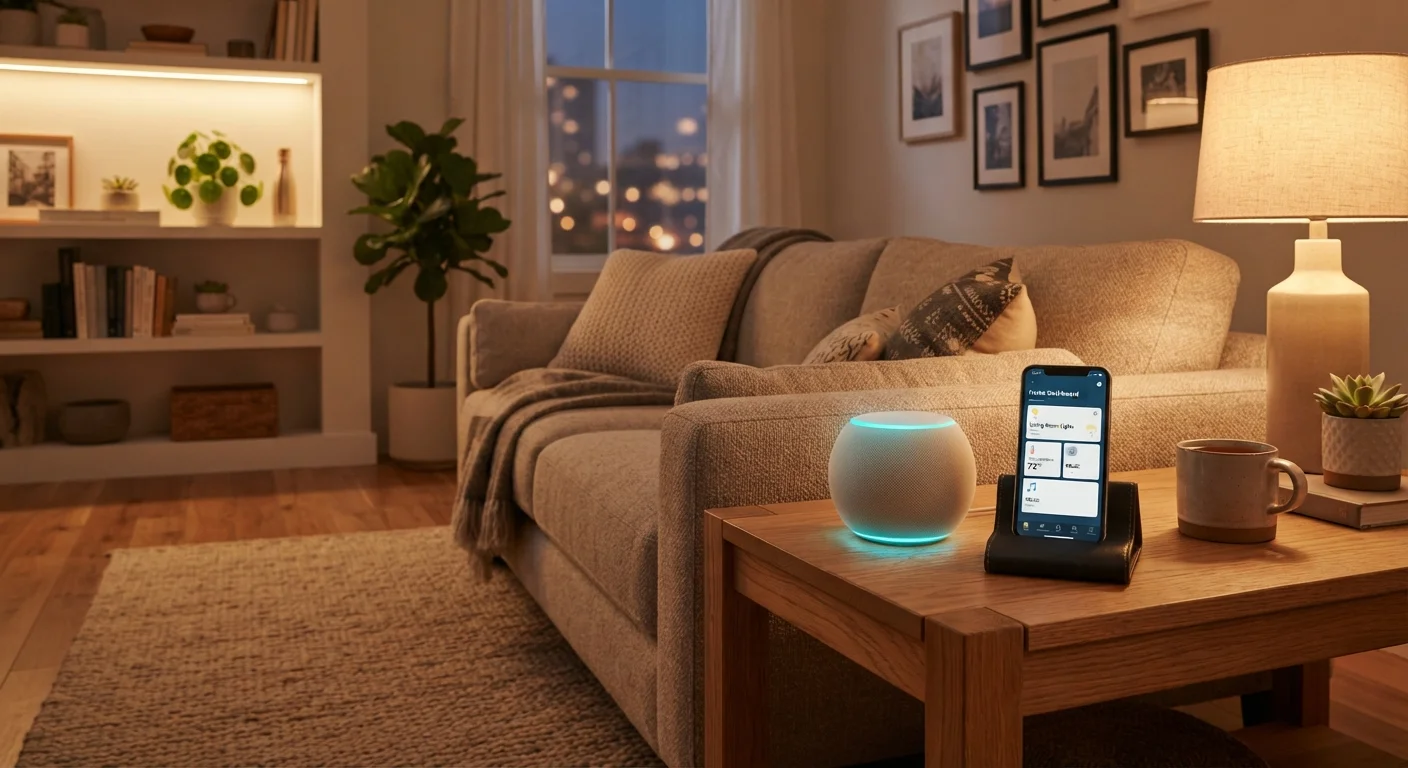
Photo: ReadersChronicle.com | Your Comprehensive Learning Destination editorial
—— In This Article
Key Takeaways
- Smart devices use wireless protocols - usually Wi-Fi, Zigbee, Z-Wave, or Bluetooth - to connect and receive instructions.
- A reliable home internet connection is the foundation of any functional smart home setup.
- Most smart home devices are grouped into ecosystems that work together under one app or voice assistant.
- Security cameras, smart locks, and similar devices carry real privacy implications that are worth understanding before you buy.
- Starting with one or two devices in a single category is a practical way to learn without feeling overwhelmed.
What Makes a Device 'Smart'?
A smart device is any piece of consumer electronics that can connect to a network - typically your home Wi-Fi - and be controlled or monitored beyond its physical buttons. A regular light switch does one thing: toggles power. A smart switch does the same thing, but also accepts commands from an app, responds to a schedule, and can be controlled from anywhere you have a phone signal.
Three components make this possible: a wireless radio built into the device, software that interprets commands, and a connection to a server or app that sends those commands. Understanding this basic structure helps explain why a smart bulb that works perfectly today might lose some features if the company behind it changes its app or shuts down its servers.
Wireless protocol
The language a device uses to send and receive data wirelessly. Different protocols - like Wi-Fi, Zigbee, or Bluetooth - have different range, power, and compatibility characteristics.
Hub
A central device that translates between different wireless protocols, allowing smart home devices from different brands or standards to communicate with each other.
Ecosystem
A collection of smart devices and apps designed by one company or around one standard to work seamlessly together, often under a single voice assistant or app.
Mesh network
A setup where devices relay signals between each other rather than all connecting to a single central point, extending coverage and improving reliability across a larger space.
Firmware
The built-in software installed on a smart device that controls how it operates. Manufacturers release updates to fix bugs and close security vulnerabilities.
Matter
An industry-wide smart home standard designed so that devices from different manufacturers can work together without requiring separate hubs or apps for each brand.
How Smart Devices Connect and Communicate
Not all smart devices communicate the same way. The most common wireless protocols you'll encounter are:
- Wi-Fi: The same network your phone and laptop use. Easy to set up, but each device takes a slot on your router and higher-bandwidth devices like cameras can strain a busy network.
- Bluetooth: Short-range, low-power, and requires no hub. Good for devices close to your phone - smart locks, speakers, fitness trackers - but range drops off quickly through walls.
- Zigbee and Z-Wave: Designed specifically for smart home use. These create their own mesh network, meaning devices pass signals between each other to extend range. They require a separate hub but are more reliable for larger setups.
- Matter: A newer industry standard designed to make devices from different brands work together without compatibility headaches.
Knowing which protocol a device uses tells you whether you need a hub, how far it can reach, and whether it will work alongside devices you already own.
Start with one protocol and expand
If you're just getting started, choosing devices that all use the same wireless protocol - say, all Wi-Fi or all Zigbee - keeps setup simple and avoids compatibility headaches early on. You can always add more complex configurations later once you're comfortable with the basics.
The Role of Your Home Network
Your home internet connection is the foundation smart devices depend on. A slow or unreliable connection makes smart devices feel broken - commands arrive late, automations fail, and cameras buffer. Before adding several devices to your home, it's worth understanding what your current plan can handle. Our guide to home internet service covers connection types, speeds, and what to look for in a plan.
Your router also matters. Older routers with limited capacity can struggle when many devices compete for bandwidth simultaneously. If you're starting fresh in a new home, the first-year homeownership guide is a useful companion for thinking about the infrastructure decisions that affect everything from your network to your safety devices.
More devices means more network demand
Each smart device you add is another connection your router manages. Most routers handle a modest number of devices without issue, but homes with dozens of smart devices may benefit from a router designed for higher device counts. Check your router's specifications if you plan to build a larger setup.
Common Categories of Smart Home Devices
Smart home devices tend to cluster into a handful of categories. Here's what each type actually does:
- Smart lighting
- Bulbs and switches that respond to schedules, voice commands, or motion. Often the lowest-friction starting point for newcomers.
- Smart thermostats
- Learn your preferences and adjust heating and cooling automatically. Can be controlled remotely via app.
- Smart security cameras and locks
- Cameras stream video to an app; smart locks let you control access without physical keys. Both carry meaningful privacy considerations - see the next section.
- Smart speakers and displays
- Voice-activated hubs that control other devices, answer questions, and play media. Many also serve as the central control point for an entire ecosystem.
- Smart plugs
- Turn any ordinary appliance into a remotely controlled one by sitting between the device and the outlet.
If you're also considering entertainment devices for your home, our breakdown of streaming sticks, smart TVs, and set-top boxes explains another category of connected device that often becomes part of a smart home setup. For smaller living spaces, the guide on gadgets that earn their place in a small home offers useful perspective on where smart devices genuinely add value.
Privacy and Security Basics
Every device that connects to your network is a potential entry point. Smart cameras, microphones, and locks introduce more sensitivity than a smart bulb - they capture data about who is home, when, and what they're doing. That doesn't mean avoiding them, but it does mean being intentional.
A few habits meaningfully reduce your risk: change default passwords before any device goes online, enable automatic firmware updates so known security gaps get patched, and consider placing smart devices on a separate guest network isolated from your computers and phones. Our detailed guide on keeping your devices secure explains these steps without requiring a technical background.
For devices that intersect with home safety - like a smart smoke detector or CO alarm - it's worth understanding how these differ from and complement traditional safety devices. The homeowner's safety reference on smoke detectors and CO alarms provides clear guidance on what every home should have regardless of how smart your setup becomes.
Don't skip default password changes
Many smart devices ship with a generic default password that is publicly documented or easy to guess. Leaving these unchanged is one of the most common ways home networks become vulnerable. Change the password on every new device before it connects to your network, and use a password that is unique to that device.
Frequently Asked Questions

Tech Editorial Team
Tech Editorial Team is the collective byline for our editorial team and contributor network. Articles published under this byline or an editorial pen name are researched, written, and reviewed according to our editorial standards for clarity, consistency, and independence before publication.
View author profile