
Everything You Need to Know About Display Resolution
1080p, 4K, OLED, refresh rate — your complete reference for understanding what screen specs mean for TVs, monitors, phones, and laptops.
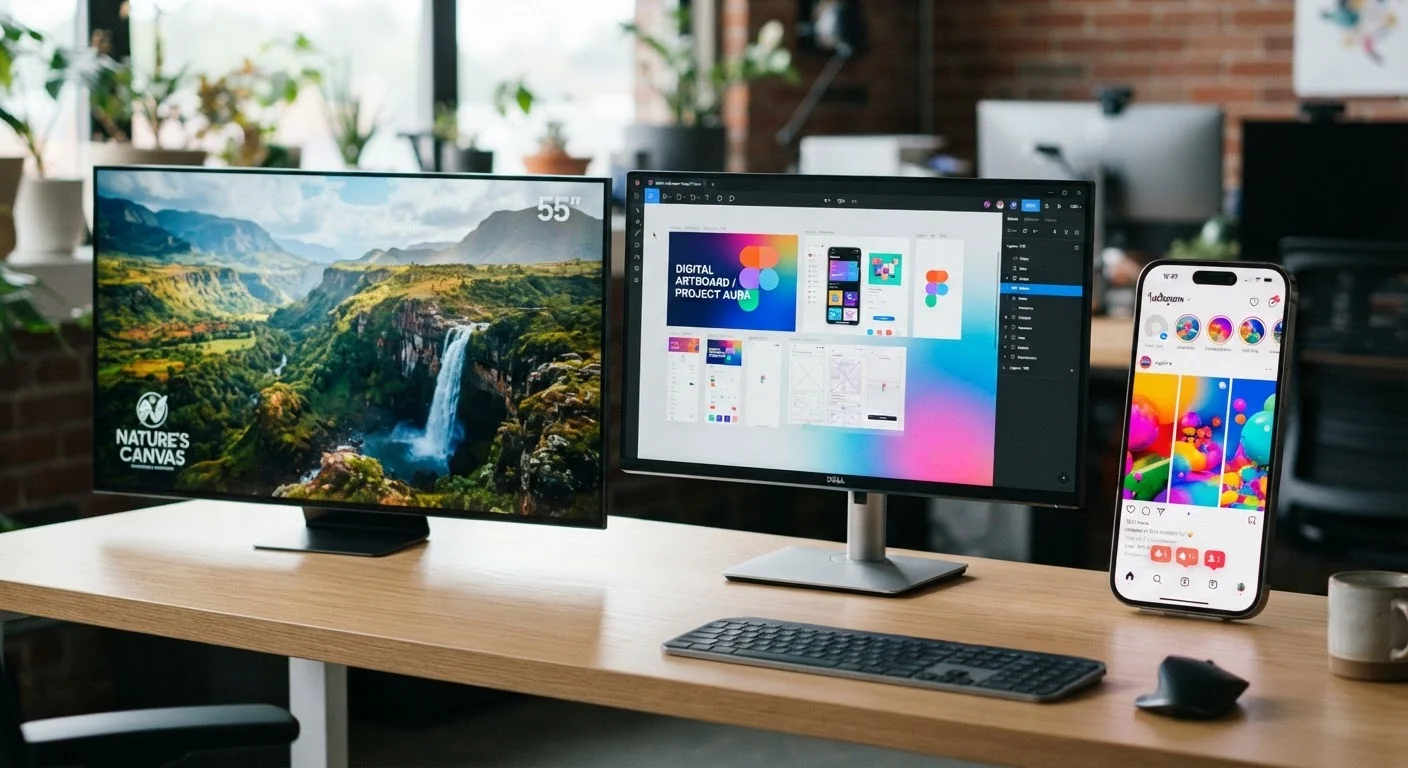
Photo: ReadersChronicle.com | Your Comprehensive Learning Destination editorial
—— In This Article
Key Takeaways
- Resolution is the number of pixels on a screen; more pixels generally means sharper images.
- 4K has roughly four times the pixels of 1080p, but only matters at the right screen size and viewing distance.
- Refresh rate (measured in Hz) determines how smoothly motion appears, independent of resolution.
- Panel type - LCD, OLED, or QLED - affects contrast, color, and brightness more than resolution alone.
- For most everyday use, 1080p remains a practical and cost-effective choice on screens under 32 inches.
What Display Resolution Actually Means
Resolution describes the number of individual pixels that make up an image on a screen, expressed as width × height (for example, 1920 × 1080). Each pixel is a tiny square of light and color; the more pixels packed into a display, the finer the detail it can render. A higher resolution on the same screen size produces a higher pixel density, measured in pixels per inch (PPI) - the metric that most directly determines how sharp text and images look to the human eye.
What resolution does not tell you on its own: how bright the screen is, how accurate the colors are, or how deep the blacks appear. Those qualities depend on panel technology and display calibration. Resolution is a foundation, not the whole picture.
Resolution Alone Doesn't Equal Picture Quality
When comparing screens, look at panel type, brightness (measured in nits), and HDR support alongside resolution. A well-calibrated 1080p OLED can appear more lifelike than a poorly calibrated 4K LCD. Evaluate displays in person under similar lighting conditions where possible.
Common Resolutions Explained: 1080p, 4K, and Beyond
The term 1080p (Full HD) means 1920 × 1080 pixels - the most widely supported resolution for streaming, gaming, and general computing. The 'p' stands for progressive scan, meaning all lines are drawn in sequence rather than alternating (as older interlaced formats did).
1440p (Quad HD or QHD, 2560 × 1440) occupies a middle ground popular with PC monitors, offering noticeably sharper detail than 1080p without the processing demands of 4K.
4K (Ultra HD, 3840 × 2160) delivers roughly four times the pixels of 1080p. On screens 40 inches and larger, viewed at typical living-room distances, the difference is visible and meaningful. On a 24-inch monitor, most people cannot discern 4K from 1440p without sitting very close.
8K (7680 × 4320) exists in consumer TVs but offers minimal real-world benefit - very little content is natively produced at that resolution, and the viewing distances required to perceive any sharpness gain are impractically short for home settings.
4×
More pixels in 4K vs. 1080p
A 4K (3840 × 2160) panel contains approximately four times as many pixels as a Full HD (1920 × 1080) panel.
~300 PPI
PPI threshold for perceived sharpness
Display researchers generally cite pixel densities around 300 PPI as the point beyond which most people cannot distinguish individual pixels at normal viewing distances.
120 Hz
Common high-refresh-rate standard
120 Hz has become a widely adopted refresh-rate target in mid-range and flagship smartphones, monitors, and TVs as of recent product generations.
Refresh Rate: Why It Matters Alongside Resolution
Refresh rate - measured in hertz (Hz) - is how many times per second a screen redraws its image. A 60 Hz display refreshes 60 times per second; a 120 Hz display does so twice as often. Higher refresh rates make fast motion appear smoother and reduce the blurring effect during scrolling or gaming.
Refresh rate and resolution are independent variables. A 4K/60 Hz TV will show sharper still images than a 1080p/60 Hz set, but a 1080p/120 Hz monitor will show noticeably smoother motion than either. For competitive gaming or action-heavy content, refresh rate can matter more than resolution to the viewer's moment-to-moment experience.
When evaluating a display for everyday use, check its native refresh rate - not a manufacturer's 'motion enhancement' interpolation figure, which artificially inflates the quoted number.
Many TVs advertise 'effective' refresh rates (such as 240 Hz 'TruMotion') that are achieved via frame-interpolation processing, not the panel's actual hardware refresh speed, which is often 60 Hz or 120 Hz.
Sit at your intended viewing distance before committing to a screen size and resolution - use an online PPI calculator with your distance and screen diagonal to confirm whether a resolution upgrade will actually be visible to you.
Human visual acuity has physical limits; at distances beyond a certain point, the eye cannot resolve the additional pixels that a higher resolution provides, making the upgrade an unnecessary cost.
Panel Types: LCD, OLED, and QLED
Panel technology determines contrast, viewing angle, and color fidelity - qualities that often affect perceived image quality more than a resolution upgrade would.
- LCD (Liquid Crystal Display): The most common panel type, lit by a backlight. Affordable and bright, but limited in contrast because the backlight can bleed through even when pixels should appear black.
- OLED (Organic Light-Emitting Diode): Each pixel generates its own light and can switch off completely, producing true blacks and near-infinite contrast ratios. OLEDs tend to have excellent viewing angles and color accuracy, though they are generally more expensive and can be susceptible to image retention (burn-in) with static content.
- QLED (Quantum Light-Emitting Diode): A marketing-led category that refers to LCD panels enhanced with a quantum-dot filter layer. QQLEDs typically deliver higher peak brightness than OLED and handle well-lit rooms effectively, with strong but not absolute contrast.
For a broader look at display devices and how they connect to streaming services, see our guide to streaming sticks, smart TVs, and set-top boxes.
OLED Burn-In: A Real but Manageable Risk
OLED panels can develop permanent image retention if a static element - such as a channel logo or desktop taskbar - occupies the same screen position for many hours over time. Modern OLED TVs and monitors include screen-shift and pixel-refresh tools that significantly reduce this risk during normal varied use. Stationary high-brightness static images over extended periods remain the primary concern.
Choosing the Right Resolution for Your Device
There is no universally correct resolution - the right choice depends on screen size, typical viewing distance, content availability, and budget.
| Device | Practical resolution floor | Where 4K adds value |
|---|---|---|
| Phone (6-7 in) | 1080p | Rarely - pixels are already very dense |
| Laptop (13-16 in) | 1080p | 1440p at 14 in+ for crisper text |
| Monitor (24-32 in) | 1080p-1440p | 4K at 27 in+ if viewing distance is short |
| TV (40 in+) | 1080p | 4K at 50 in+ at normal seating distance |
Content availability also matters. Streaming platforms have expanded 4K libraries, but much broadcast and cable content is still delivered at 1080i or 720p. A 4K display upscales lower-resolution content, and modern upscaling engines are generally competent - but they do not create detail that was never in the source.
Upscaling Quality Varies by Device
Not all upscaling engines are equal. Some TVs and media players use basic interpolation, while others use AI-assisted processing to recover edge detail. Upscaling improves the appearance of lower-resolution content but cannot restore information that was never captured in the source material.
Key Terms Reference
For a full glossary of display and device terminology, the Plain-English Glossary of Consumer Electronics Terms covers everything from HDMI versions to HDR standards in plain language. Below is a quick summary of the terms introduced in this guide:
- Resolution
- The total number of pixels on a display, expressed as width × height.
- PPI (Pixels Per Inch)
- Pixel density - higher means a sharper image at a given screen size.
- Refresh Rate (Hz)
- How many times per second the screen updates; higher rates produce smoother motion.
- HDR (High Dynamic Range)
- A display standard that expands the range between the darkest and brightest parts of an image, independent of resolution.
- Upscaling
- Processing that stretches lower-resolution content to fill a higher-resolution screen, estimating missing detail algorithmically.
Plain-English Glossary of Consumer Electronics Terms
A quick-reference guide to tech terms - including HDMI, refresh rate, HDR, and NFC - written for everyday device buyers and users.
Streaming Sticks, Smart TVs, and Set-Top Boxes Explained
Understand how each streaming device category works and which setup makes sense for different viewing habits and budgets.
Online PPI Calculator
Enter a screen's diagonal size and resolution to calculate its pixel density - useful for determining whether a resolution upgrade will be visible at your typical viewing distance.

Tech Editorial Team
Tech Editorial Team is the collective byline for our editorial team and contributor network. Articles published under this byline or an editorial pen name are researched, written, and reviewed according to our editorial standards for clarity, consistency, and independence before publication.
View author profile