
A Plain-English Glossary of Consumer Electronics Terms
From HDMI to refresh rate to NFC — a quick-reference guide to the tech terms you'll actually encounter when buying or using everyday devices.
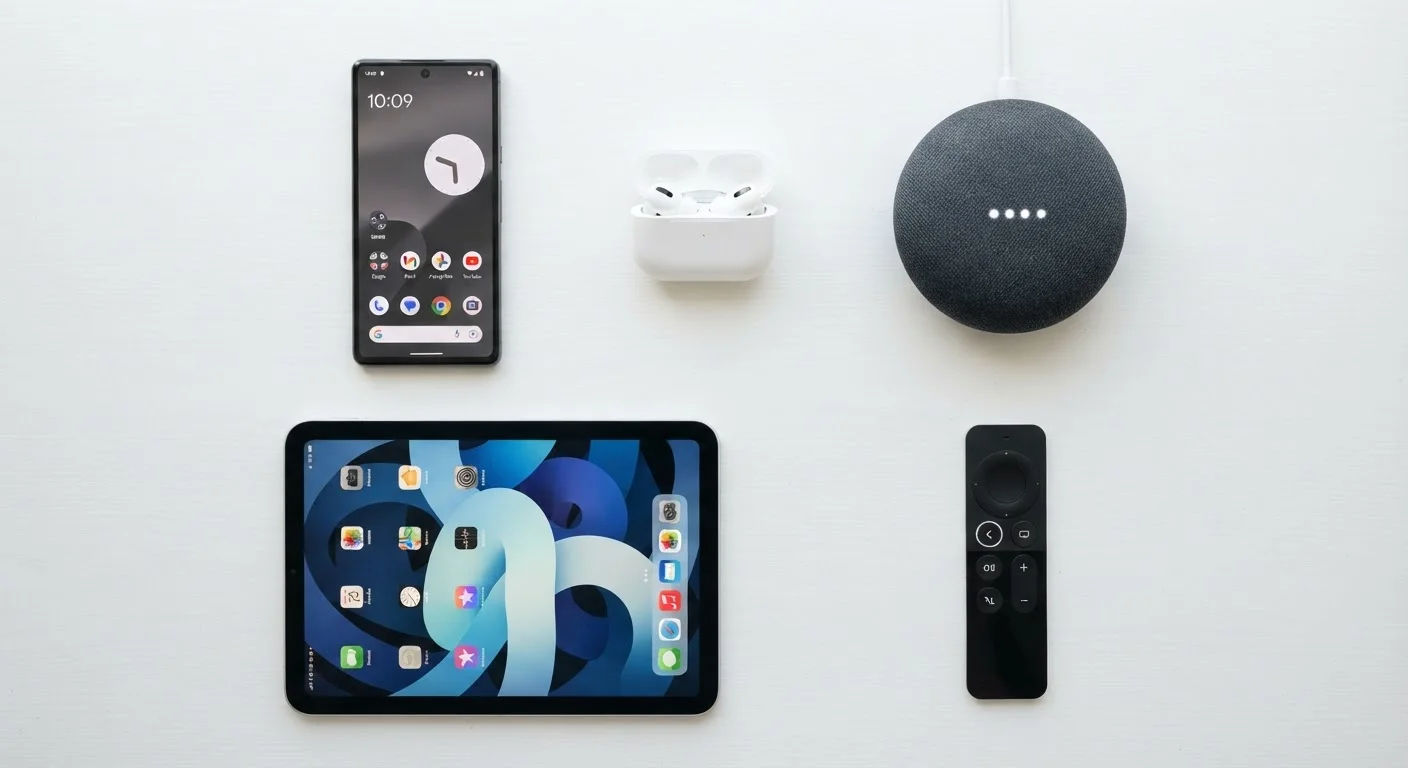
Photo: ReadersChronicle.com | Your Comprehensive Learning Destination editorial
—— In This Article
Why Tech Jargon Trips People Up
Product listings, spec sheets, and setup guides are packed with abbreviations and technical terms that manufacturers rarely bother to explain. Whether you're choosing a new television, comparing wireless earbuds, or trying to understand why a laptop feels sluggish, the vocabulary matters. This glossary covers the terms you're most likely to encounter - defined in plain English, without the spin.
If you find plain-language references useful across different areas of your life, you may also appreciate resources like our online safety glossary, which covers the security vocabulary that comes up when you're using devices day to day.
RAM (Random Access Memory)
Short-term memory your device uses to run active apps and processes. More RAM allows more applications to stay open simultaneously without slowing down. It is not the same as storage.
Storage (SSD vs. HDD)
Where your files, apps, and operating system live permanently. SSDs (solid-state drives) read and write data much faster than HDDs (hard disk drives) and have no moving parts, making them more durable and quieter.
Processor (CPU)
The central processing unit - the primary chip that executes instructions for everything your device does. Clock speed (measured in GHz) and the number of cores both affect performance.
Resolution
The number of pixels displayed on a screen, expressed as width by height (e.g., 1920×1080). Higher resolution means more detail, though the visible benefit depends on screen size and how close you sit.
Refresh Rate
How many times per second a display redraws its image, measured in hertz (Hz). A higher refresh rate produces smoother motion, which matters most for gaming and fast-moving video content.
Codec
Software that encodes (compresses) and decodes audio or video data. The codec used affects file size, streaming quality, and whether a device can play back a particular format.
NFC
Near Field Communication - a very short-range wireless standard (under 4 cm) used for contactless payments, transit cards, and quick device pairing. Built into most modern smartphones.
HDR
High Dynamic Range - a display technology that extends the contrast between the darkest blacks and brightest whites in an image. Requires both a compatible screen and HDR-encoded source content to be effective.
Latency
The delay between a signal being sent and received. Low latency matters in wireless audio (to keep sound in sync with video) and in online gaming (to keep actions responsive).
USB-C
A reversible cable connector used for charging and data transfer across many modern devices. The port shape is standardized, but transfer speeds vary widely depending on the underlying USB specification.
Bluetooth
A short-range wireless standard for connecting peripherals such as headphones, speakers, and keyboards. Later versions (5.0 and above) improve range and connection stability over older releases.
HDMI
High-Definition Multimedia Interface - a cable standard for transmitting uncompressed HD video and audio between devices. Commonly used to connect streaming boxes, consoles, and computers to televisions and monitors.
Key Specs You'll See on Every Product Page
Most confusion starts on the spec sheet. Here are the figures that actually affect everyday performance - and what they mean in practice.
| RAM range (budget vs. mainstream laptops) | 8 GB - 16 GB typical |
| Standard Full HD resolution | 1920 × 1080 pixels |
| Common mainstream display refresh rates | 60 Hz, 120 Hz, 144 Hz |
| NFC operating range | Under 4 centimeters |
| Wi-Fi 6 standard designation | 802.11ax |
| SSD speed advantage over HDD | 3-5× faster typical read speeds |
A few of these specs interact with each other in ways that matter. For example, a display with a high resolution but a low refresh rate can still look choppy during video or gaming. Similarly, a device with fast storage can feel slow if it doesn't have enough RAM to keep active apps in memory. Reading specs in isolation is less useful than understanding how they work together.
Understanding terminology in one area often builds fluency in others. Glossaries like this homebuying reference show the same plain-language approach applied to a very different domain - the principle of cutting through jargon is universal.
60 Hz
Minimum refresh rate for smooth standard video
Most streaming video content is produced at 24-30 frames per second; a 60 Hz display handles this comfortably without visible stutter.
3-5×
Speed advantage of SSD over traditional hard drive
Consumer SSD benchmarks consistently show sequential read speeds several times higher than mechanical hard drives, translating to faster boot and load times.
4 cm
Maximum NFC effective range
NFC operates at extremely close range by design, which limits the risk of unintended data transmission during contactless transactions.
Connectivity and Wireless Terms
Connectivity specs determine how your devices communicate - with each other, with accessories, and with the internet. These terms appear on everything from phones to smart home speakers.
- Wi-Fi 6 (802.11ax): The current mainstream Wi-Fi standard. It handles multiple devices simultaneously more efficiently than older standards and performs better in crowded signal environments like apartment buildings.
- Bluetooth: Short-range wireless technology for connecting peripherals like headphones, keyboards, and speakers. Bluetooth 5.0 and later versions offer improved range and stability over earlier releases.
- NFC (Near Field Communication): Very short-range wireless technology - typically under 4 centimeters - used for contactless payments and quick device pairing. Most modern smartphones include it.
- USB-C: A reversible connector standard used for charging and data transfer on a wide range of modern devices. The connector shape is standardized, but data transfer speeds vary significantly depending on the USB version the port supports.
- HDMI: The standard cable interface for passing high-definition audio and video from a source (such as a streaming device or gaming console) to a display. HDMI 2.1 supports higher resolutions and refresh rates than older versions.
USB-C Port Shape ≠ USB Speed
A USB-C port on a device does not guarantee fast data transfer. The port shape is standardized, but the underlying USB specification varies - a port may support USB 2.0 speeds (480 Mbps) or USB 3.2 speeds (up to 20 Gbps) depending on the device. Check the specification sheet rather than assuming speed from connector shape alone.
Display and Audio Terms Worth Knowing
Display and audio quality are two areas where marketing language is especially prone to exaggeration. These definitions help you focus on what actually affects your experience.
- Resolution: The number of pixels in a display, expressed as width × height (e.g., 1920×1080 for Full HD). More pixels generally means a sharper image, though the benefit depends on screen size and viewing distance.
- Refresh Rate (Hz): How many times per second the display updates its image. A 60 Hz display refreshes 60 times per second. Higher rates (120 Hz, 144 Hz) produce smoother motion in video and games.
- HDR (High Dynamic Range): A display capability that expands the range between the darkest and brightest parts of an image. HDR content requires both a compatible display and compatible source material to make a visible difference.
- Codec: Software that compresses and decompresses audio or video data. Common audio codecs include AAC and aptX; video codecs include H.264 and AV1. The codec affects file size, quality, and compatibility.
- Impedance (Ohms): A measure of resistance in audio equipment. Headphones with higher impedance typically require more powerful amplification to reach the same volume as low-impedance models.
Just as spec sheets can obscure the real cost of a purchase, financial documents use their own specialized language - a parallel covered in the credit terminology glossary for anyone navigating loans or credit reports.

Tech Editorial Team
Tech Editorial Team is the collective byline for our editorial team and contributor network. Articles published under this byline or an editorial pen name are researched, written, and reviewed according to our editorial standards for clarity, consistency, and independence before publication.
View author profile