
What Two-Factor Authentication Actually Does - and Why One Method Is Stronger Than Another
Two-factor authentication adds a second lock on your accounts. Here's how each type works and which offers the strongest protection.
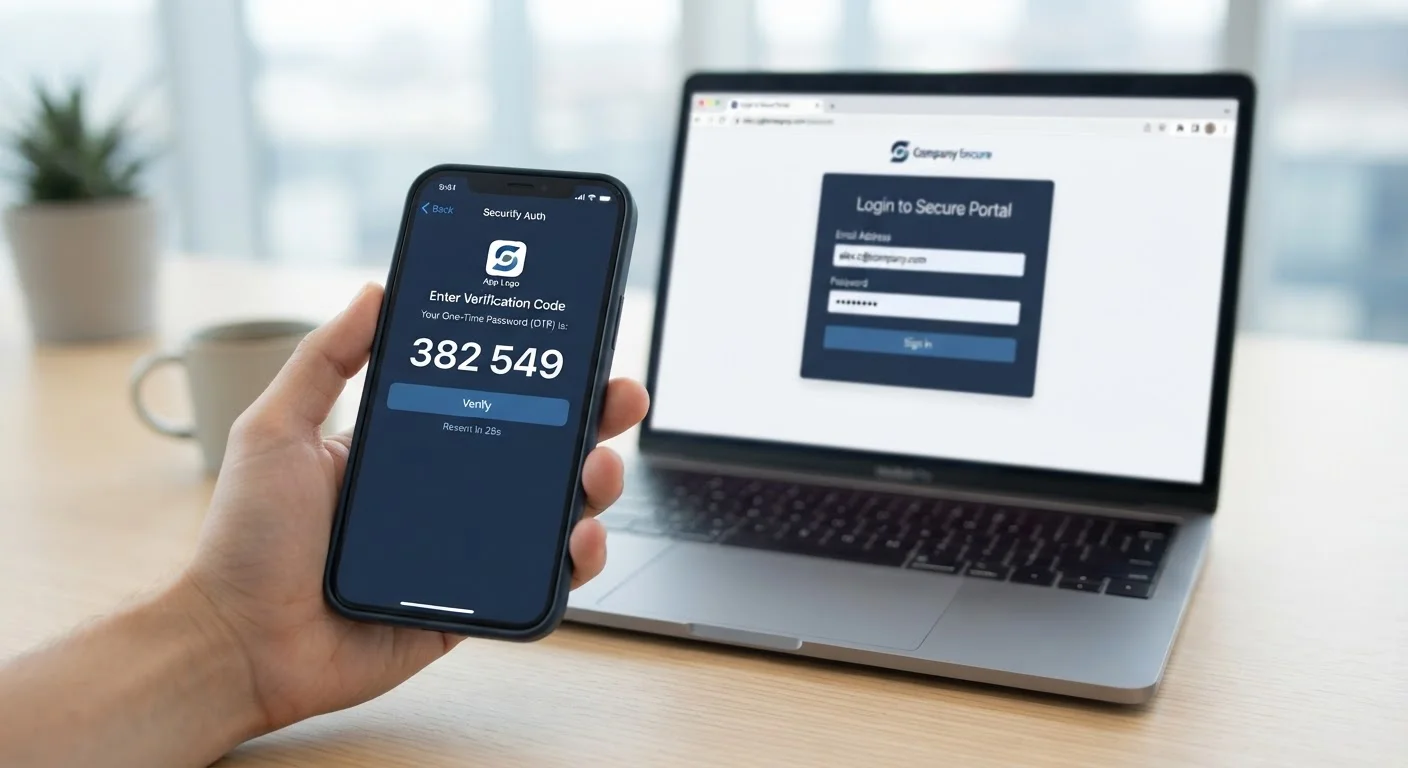
Photo: ReadersChronicle.com | Your Comprehensive Learning Destination editorial
—— In This Article
Key Takeaways
- Two-factor authentication blocks most unauthorized logins even when a password is compromised.
- Authentication apps generate time-sensitive codes that are significantly harder to intercept than SMS codes.
- SMS-based 2FA is still far better than no 2FA at all, despite its known weaknesses.
- Hardware security keys offer the strongest protection but suit higher-risk accounts best.
- Enabling any form of 2FA on email, banking, and social accounts is a high-impact security step.
The Problem a Password Alone Can't Solve
Passwords get stolen in ways that have nothing to do with how clever or long they are. Data breaches expose millions of credentials at once. Phishing emails trick people into typing their passwords into fake login pages. Password reuse means one breach can unlock dozens of accounts. Two-factor authentication exists specifically to limit the damage when a password falls into the wrong hands.
The core idea is straightforward: require a second piece of evidence that the person logging in is actually you. That evidence has to come from a different source than the password - typically a device you physically possess. An attacker who has your password but not your phone is still locked out.
For a fuller picture of account hygiene and how 2FA fits into a broader security strategy, see our complete digital security guide.
99.9%
Of automated account attacks blocked by MFA
Microsoft has reported that multi-factor authentication blocks over 99.9% of automated credential-stuffing and password-spray attacks on accounts.
80%+
Of breaches involving stolen or weak credentials
Verizon's annual Data Breach Investigations Report has consistently found that the majority of hacking-related breaches exploit compromised or weak passwords.
How the Most Common 2FA Methods Actually Work
Not all second factors are equal. Here's what distinguishes the major types:
SMS Text Codes
When you log in, the service sends a six-digit code to your phone number. You enter it to complete the login. It's convenient, but the weakness is real: SMS can be intercepted through a technique called SIM swapping, where an attacker convinces your carrier to transfer your number to their device. This makes SMS 2FA the least secure option - though still much better than none.
Authenticator Apps
Apps like those based on the TOTP standard generate codes that refresh every 30 seconds directly on your device, with no cellular signal required. Because the code is never transmitted over a phone network, it can't be intercepted via SIM swapping. Phishing is still a risk if you're tricked into entering a code on a fake site, but the window is extremely narrow given the short expiry.
Hardware Security Keys
A physical key plugged into a USB port or tapped against a phone uses cryptographic verification that is tied to the exact website domain. This makes it nearly impossible for phishing attacks to succeed - the key simply won't authenticate on a lookalike site. It's the strongest consumer-grade option, best suited to people with elevated security needs.
Push Notifications and Biometrics
Some services send an approval prompt directly to a verified app on your phone. Others allow a fingerprint or face scan as the second factor. These offer solid security and strong usability, though biometric data is handled locally on your device rather than sent to a server.
Save Your Backup Codes Before You Need Them
When enabling 2FA, most services offer a set of one-time backup codes for account recovery. Print them or store them in a secure, offline location. Losing access to your second factor without these codes can result in a lengthy and uncertain recovery process.
Why Method Matters - and Where to Start
The strength difference between SMS and an authenticator app is meaningful enough that security professionals recommend making the switch when possible. However, the most important step for most people is simply enabling 2FA in the first place - on email accounts above all, since email controls password resets across nearly every other service.
Beyond email, prioritize financial accounts, social media, and any service storing payment information. If you're also updating how you manage your passwords, see how password managers work and where they fall short for complementary guidance.
When setting up a new phone or device, it's also worth securing the device itself before layering in account logins. Locking down a new device before first use walks through those foundational steps.
Even if you feel your passwords are strong, habits around reuse and exposure matter just as much. Understanding why strong passwords still fail people can help you close that gap.
2FA Isn't a Silver Bullet
Sophisticated real-time phishing attacks can still defeat some forms of 2FA by relaying codes instantly. Hardware security keys are specifically designed to resist this class of attack. For most everyday users, however, an authenticator app provides a level of protection that far exceeds what most attackers are willing to pursue.
Frequently Asked Questions

Tech Editorial Team
Tech Editorial Team is the collective byline for our editorial team and contributor network. Articles published under this byline or an editorial pen name are researched, written, and reviewed according to our editorial standards for clarity, consistency, and independence before publication.
View author profile