
Password Managers: What They Store, How They Work, and When They Fall Short
Password managers solve the weak-password problem, but they come with trade-offs worth understanding before you commit to one.
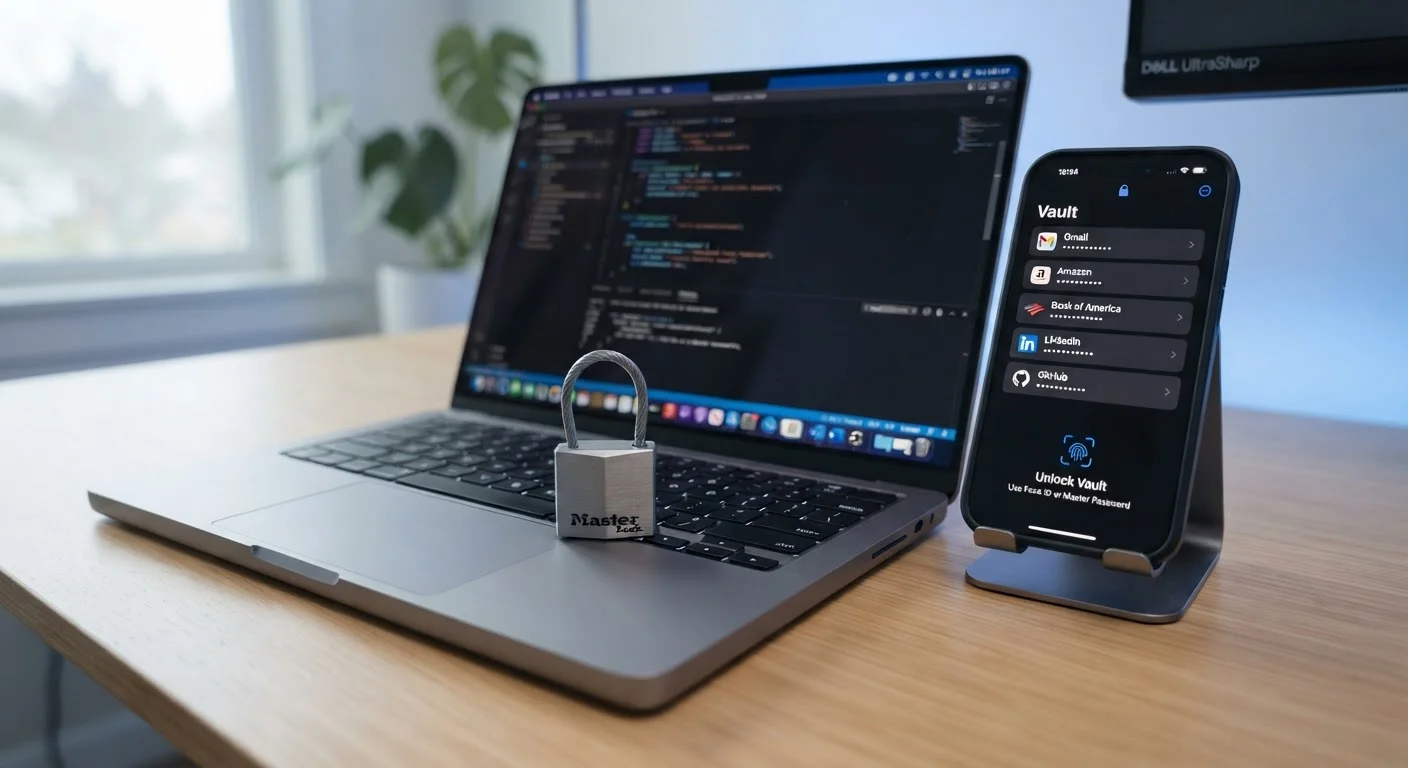
Photo: ReadersChronicle.com | Your Comprehensive Learning Destination editorial
—— In This Article
Key Takeaways
- Password managers generate and store strong, unique credentials for every account you have.
- All stored data is encrypted locally or in the cloud before it ever leaves your device.
- A single compromised master password can expose every credential stored inside.
- Most password managers also store secure notes, payment cards, and identity details.
- They are not a complete security solution - two-factor authentication remains essential alongside them.
Generates strong, unique passwords automatically
Random, complex passwords eliminate the human tendency to reuse simple credentials. Each account gets a distinct string that would take impractically long to crack by brute force.
Reduces risk from third-party data breaches
When a site you use suffers a breach, a unique password means attackers cannot use those credentials to access your other accounts - a technique known as credential stuffing.
Saves time with auto-fill across devices
Logging in becomes faster across browsers and apps, removing the friction that pushes people toward weak, memorable passwords in the first place.
Encrypted storage protects sensitive notes and cards
Keeping recovery codes, PINs, and payment details in the encrypted vault is considerably safer than storing them in notes apps or browser bookmarks.
Many tools flag reused or compromised passwords
Built-in security dashboards can alert you when a stored credential appears in known breach databases, prompting proactive changes before damage occurs.
Single master password is a critical vulnerability
If the master password is weak or stolen - through phishing or a keylogger - an attacker gains access to every stored credential simultaneously. Strength and secrecy of the master password are paramount.
Provider security incidents can affect users
Cloud-based services have experienced security incidents in which encrypted vault data was accessed by unauthorized parties. While strong encryption limits the damage, the risk is not zero.
Locked out if master password is forgotten
Most providers cannot retrieve your master password by design. Without a recovery method set up in advance, losing the master password can mean permanent loss of vault access.
Malware on the device can intercept credentials
Auto-fill happens in plaintext at the moment of use. Keyloggers or screen-capture malware on a compromised device can capture passwords before they are re-encrypted.
Learning curve and setup time upfront
Migrating dozens of existing accounts to a password manager and replacing weak passwords takes time. Users who skip the migration phase gain only partial protection.
What a Password Manager Actually Stores
The core function is straightforward: a password manager acts as an encrypted vault that holds your usernames, passwords, and the website URLs they belong to. When you visit a login page, it auto-fills the right credentials automatically.
Beyond passwords, most managers also store:
- Secure notes - free-form text kept behind the same encryption as your passwords, useful for PINs, recovery codes, or software license keys.
- Payment card details - card numbers, expiry dates, and CVV codes that can auto-fill checkout forms.
- Identity profiles - name, address, and contact information for filling out online forms quickly.
- Passkeys - a newer credential format that replaces traditional passwords on supported sites by linking to your device's biometric authentication.
Understanding what you're storing matters because it defines what's at risk. For a broader grounding in account hygiene, see why strong passwords keep failing people.
How the Encryption Works
Password managers use end-to-end encryption, meaning your data is encrypted on your device before it is transmitted anywhere. The encryption key is derived from your master password - the one password you choose and must remember. The service provider stores only the encrypted blob, not the key needed to unlock it.
Most reputable tools use the AES-256 encryption standard, which is the same specification used by US government agencies to protect classified data. They also apply a technique called key stretching (commonly via PBKDF2, bcrypt, or Argon2) that deliberately slows down brute-force guessing attacks against your master password.
Cloud vs. Local Storage: A Key Trade-off
Cloud-synced vaults keep your credentials available across all devices but require trusting the provider's infrastructure and security practices. A locally stored vault gives you more direct control but means losing access if your device is lost or damaged without a backup. Neither option is inherently superior - the right choice depends on how you balance convenience against control.
Cloud-synced vaults and locally stored vaults work differently. A cloud-synced vault keeps your credentials available across all devices but requires trusting the provider's infrastructure. A locally stored vault gives you more control but means losing access if your device is lost or damaged without a backup.
The Genuine Advantages
Generates strong, unique passwords automatically
Random, complex passwords eliminate the human tendency to reuse simple credentials. Each account gets a distinct string that would take impractically long to crack by brute force.
Reduces risk from third-party data breaches
When a site you use suffers a breach, a unique password means attackers cannot use those credentials to access your other accounts - a technique known as credential stuffing.
Saves time with auto-fill across devices
Logging in becomes faster across browsers and apps, removing the friction that pushes people toward weak, memorable passwords in the first place.
Encrypted storage protects sensitive notes and cards
Keeping recovery codes, PINs, and payment details in the encrypted vault is considerably safer than storing them in notes apps or browser bookmarks.
Many tools flag reused or compromised passwords
Built-in security dashboards can alert you when a stored credential appears in known breach databases, prompting proactive changes before damage occurs.
The single largest security benefit is credential uniqueness. Because a password manager generates a random string for each site, a data breach at one service cannot cascade into breaches elsewhere. Pairing a password manager with two-factor authentication compounds that protection significantly - learn how each 2FA method compares before deciding which type to use.
81%
Data breaches linked to weak or stolen passwords
According to Verizon's Data Breach Investigations Report, the large majority of hacking-related breaches involve compromised credentials.
100+
Average accounts held by a typical internet user
Research from NordPass has consistently found that individuals hold well over 100 online accounts, making manual unique-password management effectively impossible.
The Real Limitations
Single master password is a critical vulnerability
If the master password is weak or stolen - through phishing or a keylogger - an attacker gains access to every stored credential simultaneously. Strength and secrecy of the master password are paramount.
Provider security incidents can affect users
Cloud-based services have experienced security incidents in which encrypted vault data was accessed by unauthorized parties. While strong encryption limits the damage, the risk is not zero.
Locked out if master password is forgotten
Most providers cannot retrieve your master password by design. Without a recovery method set up in advance, losing the master password can mean permanent loss of vault access.
Malware on the device can intercept credentials
Auto-fill happens in plaintext at the moment of use. Keyloggers or screen-capture malware on a compromised device can capture passwords before they are re-encrypted.
Learning curve and setup time upfront
Migrating dozens of existing accounts to a password manager and replacing weak passwords takes time. Users who skip the migration phase gain only partial protection.
The master password is the vault's single point of failure. If it is weak, guessed, phished, or exposed in a keylogger attack, everything inside is at risk. This is why enabling two-factor authentication on the vault itself - not just on the accounts inside it - is non-negotiable.
Device security also matters. A password manager running on a compromised device can be undermined by malware that captures credentials as they are auto-filled. For foundational device hardening steps, see keeping your devices secure without a computer science degree.
Where Password Managers Fit in a Broader Security Plan
A password manager is one layer, not a complete strategy. Credential security sits alongside network safety, device hygiene, and safe browsing habits. Your complete digital security foundation covers how these layers connect.
When setting up a new device, establishing a password manager should be one of the first steps - alongside the other baseline protections outlined in locking down a new device before first use.
The practical bottom line: a password manager does not require technical expertise to use effectively, and its protective value is immediate. The key is treating the master password - and the two-factor method protecting it - with the same seriousness as the vault itself.

Tech Editorial Team
Tech Editorial Team is the collective byline for our editorial team and contributor network. Articles published under this byline or an editorial pen name are researched, written, and reviewed according to our editorial standards for clarity, consistency, and independence before publication.
View author profile