
Internet for First-Time Renters: Getting Connected in a New Place
New to setting up your own internet? This starter guide explains plan types, equipment choices, and what to watch out for.
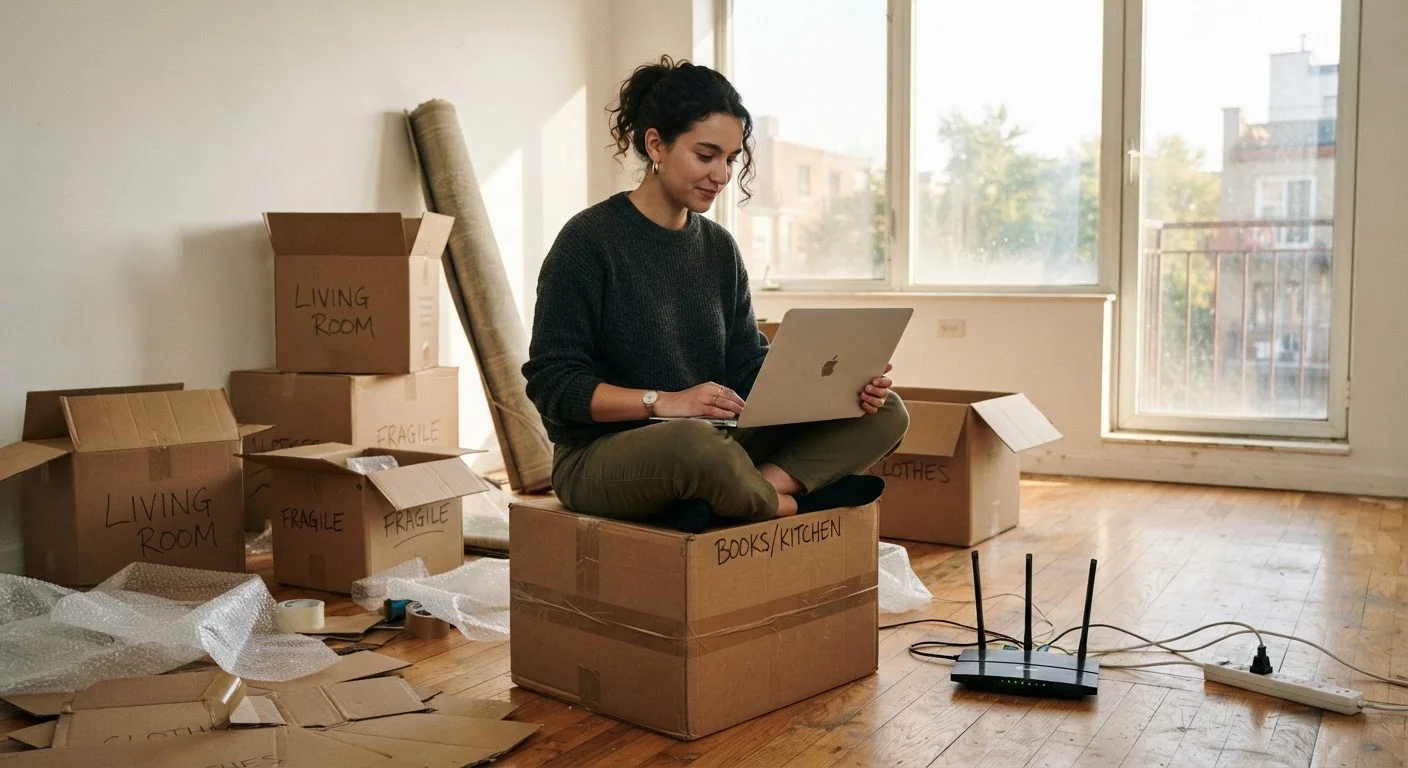
Photo: ReadersChronicle.com | Your Comprehensive Learning Destination editorial
—— In This Article
Key Takeaways
- Check which ISPs service your exact address before comparing plans - availability varies by building.
- Your connection type (fiber, cable, DSL, or fixed wireless) affects both price and reliability.
- Most solo renters need far less speed than ISPs typically upsell them on.
- Modem rental fees can add $10-$15 per month - buying your own often pays off within a year.
- Promotional rates usually expire after 12-24 months; know when the standard rate kicks in.
What to Figure Out Before You Sign Anything
Getting internet in a new rental starts with one question you can't skip: who actually services your address? Not every ISP operates in every neighborhood, and even within the same city, building wiring can limit your options. Before you spend time comparing plans, visit each ISP's website and enter your exact new address - not just the zip code - to confirm availability.
Next, check with your landlord or building manager. Some apartment complexes have a bulk internet agreement with a single provider, which may be included in rent or available at a reduced rate. Others may have wiring that limits which technologies can be installed. Getting these answers first prevents wasted effort and surprises on move-in day.
Ask About Building Wiring Early
Before your move-in date, ask your landlord whether the building has existing coaxial, phone, or fiber wiring - and which ISPs have previously been used. This affects which connection types are even possible in your unit and can save you from booking an installation appointment only to find out the building isn't compatible.
Understanding Internet Plan Types
The technology behind your connection matters as much as the advertised price. There are four main types available to home renters in the US:
- Fiber: Uses light signals through glass cables. Generally offers the most consistent speeds and reliability, though it isn't yet available everywhere.
- Cable: Delivered through the same coaxial lines used for cable TV. Widely available and usually fast, but speeds can dip during peak neighborhood usage hours.
- DSL (Digital Subscriber Line): Runs over existing phone lines. Widely deployed but typically slower than fiber or cable - more common in rural and suburban areas.
- Fixed wireless: Uses a receiver mounted on your building to pick up a signal from a nearby tower. A practical option where cable and fiber aren't available.
For a deeper look at how these technologies compare, see our plain-English breakdown of connection types.
Mbps
Megabits per second - the standard unit for measuring internet speed. Higher numbers mean faster downloads and smoother streaming.
Modem
A device that connects your home to your ISP's network. It translates the ISP's signal into a form your devices can use.
Router
A device that takes the internet signal from a modem and distributes it wirelessly (Wi-Fi) or via cable to multiple devices in your home.
ISP
Internet Service Provider - the company that sells you access to the internet, such as a cable, fiber, or DSL provider.
Data cap
A monthly limit on how much data you can use. Exceeding it may result in slower speeds or additional charges, depending on your plan.
Promotional rate
A discounted introductory price offered for a limited period, typically 12-24 months, after which the standard (higher) price applies.
How Much Speed Do You Actually Need?
ISPs often push higher-tier plans, but most single renters don't need the speeds they're sold. Internet speed is measured in Mbps (megabits per second) - the higher the number, the faster data travels. Here's a practical reference:
- 25-50 Mbps download: Sufficient for one person streaming video, browsing, and video calling.
- 100-200 Mbps download: Comfortable for a household of 2-3 people with multiple devices running simultaneously.
- Upload speed matters if you work from home, video call frequently, or send large files - look for at least 10-20 Mbps upload in those cases.
Be honest about how you use the internet rather than buying a plan based on fear of running out. Overestimating your speed needs is one of the most common ways first-time renters end up overpaying each month.
Don't Confuse Download and Upload Speed
ISPs typically advertise download speeds in large, bold numbers - but upload speed is listed separately and is often much slower. If you work remotely, video call regularly, or back up files to the cloud, a plan with low upload speed (under 10 Mbps) can cause real frustration. Always check both numbers before committing.
Equipment: Rent, Buy, or Use What's There?
When you sign up with an ISP, you'll typically be offered a modem or a combined modem-router gateway for a monthly rental fee - often $10-$15 per month. Over a year, that adds up to $120-$180, which is often more than the cost of purchasing compatible equipment outright.
Before buying your own device, confirm the model is compatible with your ISP - ISPs publish approved device lists on their websites. A purchased modem typically pays for itself within 12 months and remains yours if you move. If the apartment already has a router or networking equipment left by a previous tenant, treat it with caution: outdated or shared equipment can pose a security risk. Online safety basics are worth reviewing when setting up any home network for the first time.
Reading the Fine Print Before You Commit
Internet plan offers are rarely as simple as they appear. Promotional rates - the price you see in advertisements - typically apply for the first 12 or 24 months, after which the standard rate takes effect. That jump can be significant. Always ask: what is the rate after the promotional period ends?
Other things to confirm before signing:
- Contract length and early termination fees: Month-to-month plans offer flexibility; annual contracts often charge a fee if you cancel early.
- Data caps: Some plans throttle your speed or charge extra once you exceed a monthly data limit.
- Installation fees: Self-install kits are often free or low cost; technician visits may carry a one-time charge.
- Equipment fees: Clarify whether the modem rental is included or separate from the advertised price.
For a detailed walkthrough of every line item to scrutinize, reading an ISP offer the right way covers exactly what to look for. And for the full picture of home internet - from setup through troubleshooting - our comprehensive home internet guide is a useful next step.
Frequently Asked Questions

Tech Editorial Team
Tech Editorial Team is the collective byline for our editorial team and contributor network. Articles published under this byline or an editorial pen name are researched, written, and reviewed according to our editorial standards for clarity, consistency, and independence before publication.
View author profile