
What the Numbers on Your Router Actually Mean
Wi-Fi 6, 2.4 GHz, AX3000 — decoded. Learn what router specs actually tell you about speed, range, and home network performance.
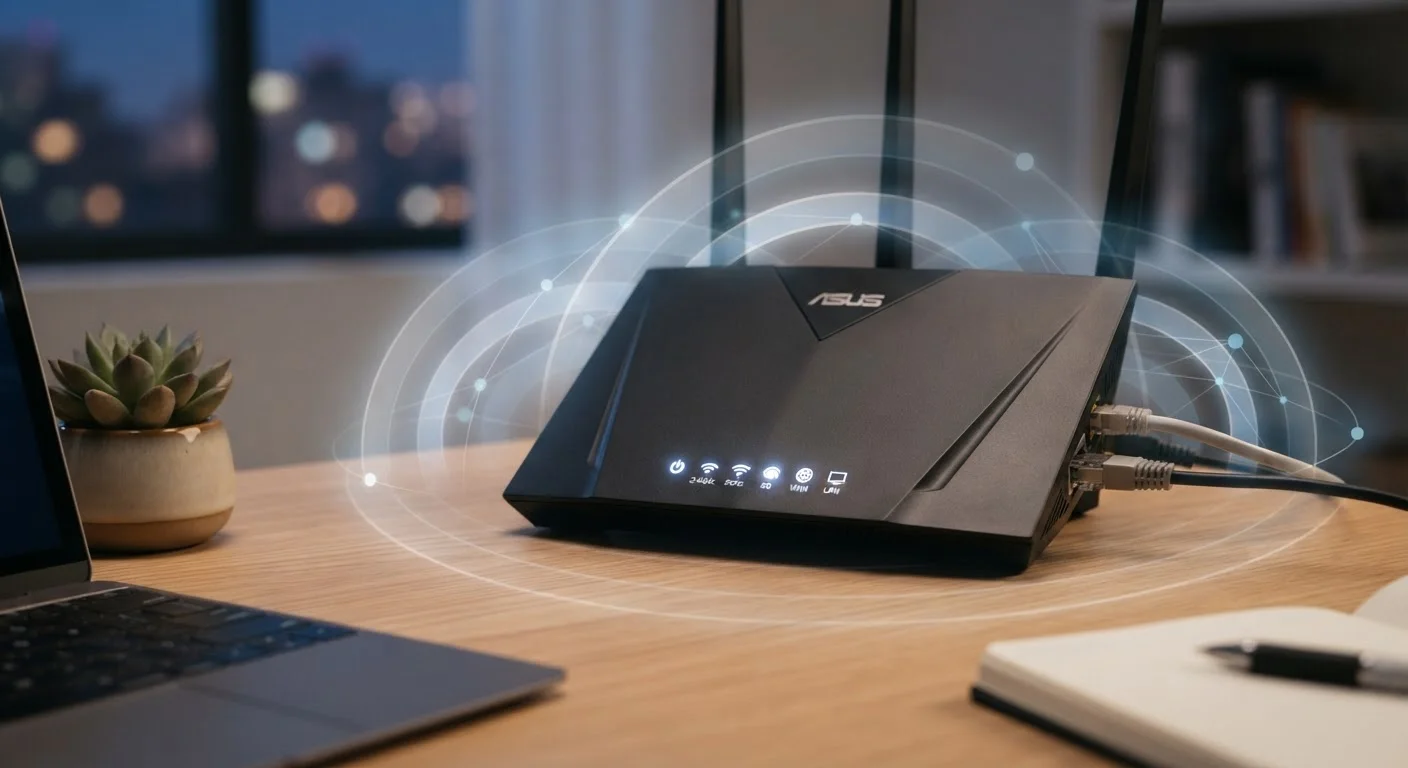
Photo: ReadersChronicle.com | Your Comprehensive Learning Destination editorial
—— In This Article
Key Takeaways
- Router speed numbers (like AX3000) are combined theoretical maximums, not what any single device actually gets.
- 2.4 GHz offers longer range; 5 GHz delivers faster speeds over shorter distances.
- Wi-Fi generation labels (Wi-Fi 5, Wi-Fi 6) indicate the wireless standard and its feature set.
- More antennas and MIMO technology improve how many devices a router can serve simultaneously.
- Your router's ceiling is limited by your ISP plan speed - a faster router won't overcome a slow connection.
The Letter-Number Codes on the Box
Router packaging is covered in codes like AX3000, AC1200, or BE19000. The letters identify the Wi-Fi generation: N = Wi-Fi 4, AC = Wi-Fi 5, AX = Wi-Fi 6 or 6E, and BE = Wi-Fi 7. The number that follows is the combined theoretical throughput in Mbps - every radio band added together.
An AX3000 router, for instance, might offer 600 Mbps on its 2.4 GHz band and 2,400 Mbps on its 5 GHz band. Add them together and you get 3,000 Mbps - on paper. In practice, a single laptop in the next room will see a fraction of that. Think of it as the router's ceiling, not a per-device guarantee.
2.4 GHz
Frequency band with the longest range
The 2.4 GHz band can reach farther distances but is shared with many household devices, increasing interference potential.
Wi-Fi 6
Current mainstream router standard
Wi-Fi 6 (802.11ax) routers are now the dominant category in the consumer market, offering improved efficiency for multi-device homes.
75+
Typical connected devices in a modern home
Industry research has noted rapid growth in connected devices per household, making router capacity an increasingly relevant consideration.
Frequencies: 2.4 GHz vs. 5 GHz Explained
Most modern routers are dual-band, meaning they broadcast on two frequencies simultaneously. Each has a distinct trade-off:
- 2.4 GHz: Travels farther and passes through walls more effectively, but tops out at lower speeds and shares spectrum with microwaves and many older devices - making it more prone to interference.
- 5 GHz: Significantly faster, but the signal weakens more quickly over distance and doesn't penetrate solid obstacles as well.
Some routers are tri-band, adding a second 5 GHz channel to handle heavier traffic loads. Wi-Fi 6E routers introduce a third band at 6 GHz - less crowded spectrum with even higher potential speeds, though device support is still spreading.
For a deeper look at how your home network fits with your internet service, see our guide to ISP plan terminology.
Wi-Fi Generations: What the Numbers Really Signal
The Wi-Fi Alliance introduced numbered generation labels to simplify the older 802.11 standard names. Here's the practical translation:
| Generation | Standard | Key Improvement |
|---|---|---|
| Wi-Fi 4 | 802.11n | First widespread dual-band support |
| Wi-Fi 5 | 802.11ac | Faster 5 GHz speeds, wider channels |
| Wi-Fi 6 | 802.11ax | Better efficiency with many devices |
| Wi-Fi 6E | 802.11ax (extended) | Added 6 GHz band, less congestion |
| Wi-Fi 7 | 802.11be | Multi-link operation, higher throughput |
Generation upgrades matter most in high-device households. Wi-Fi 6, for example, introduced a technology called OFDMA (Orthogonal Frequency Division Multiple Access) that lets a router divide a channel into smaller sub-channels - serving multiple devices more efficiently rather than making them wait their turn.
“The goal of Wi-Fi standards isn't just raw speed - it's making sure that speed is reliably distributed across dozens of devices competing for bandwidth at the same time.”
— Wi-Fi Alliance Technical Guidance, Industry standards body for wireless networking certification
Antennas, MIMO, and What They Do for You
Routers list antenna counts and a spec called MIMO (Multiple Input, Multiple Output). MIMO uses multiple antennas to send and receive several data streams at once, improving throughput and reliability. MU-MIMO (Multi-User MIMO) extends this so the router can communicate with several devices simultaneously rather than sequentially.
More antennas generally help extend consistent coverage and handle congestion, but placement matters too. A router tucked behind a television or inside a cabinet will underperform regardless of its spec sheet. Central placement, elevated off the floor, makes a measurable difference.
Place Your Router for Best Coverage
Position your router in a central, open location - ideally on a shelf or table rather than on the floor or inside a cabinet. Walls, appliances, and furniture all reduce signal strength. Even a high-spec router performs poorly when its signal has to fight through unnecessary obstacles.
If your home has coverage gaps that antenna counts can't fix, a mesh Wi-Fi system - multiple nodes placed around the house - addresses dead zones more reliably than antenna upgrades alone.
Putting the Numbers in Context
The most important number your router needs to handle is the one your ISP actually delivers. A router rated for 3,000 Mbps won't help if your plan provides 100 Mbps - though it may still improve in-home coverage and device handling. Check how much speed your household genuinely needs before drawing conclusions about your equipment.
Understanding connection types also matters. The underlying technology your ISP uses - fiber, cable, or DSL - affects the speed ceiling your router is working with. Our plain-English breakdown of internet connection types covers those distinctions clearly.
Finally, note that your router's security capabilities are just as important as its speed specs. Routers running older security protocols like WPA2 are more vulnerable than those supporting WPA3. This matters especially because the risk exposure you face on your home network is different from, but connected to, risks on shared networks - a topic our piece on public Wi-Fi risks addresses in detail.
Security Standards Also Appear in Specs
Look for WPA3 support in router specifications - it's the current security protocol standard and more resistant to certain password-guessing attacks than its predecessor WPA2. Older routers may only support WPA2, which is worth factoring in alongside speed specifications when evaluating your home network setup.
Frequently Asked Questions

Tech Editorial Team
Tech Editorial Team is the collective byline for our editorial team and contributor network. Articles published under this byline or an editorial pen name are researched, written, and reviewed according to our editorial standards for clarity, consistency, and independence before publication.
View author profile