
VPN vs. Private Browsing Mode: Two Very Different Tools People Constantly Confuse
Incognito mode and a VPN both get called 'private browsing,' but they protect entirely different things. Here's the real distinction.
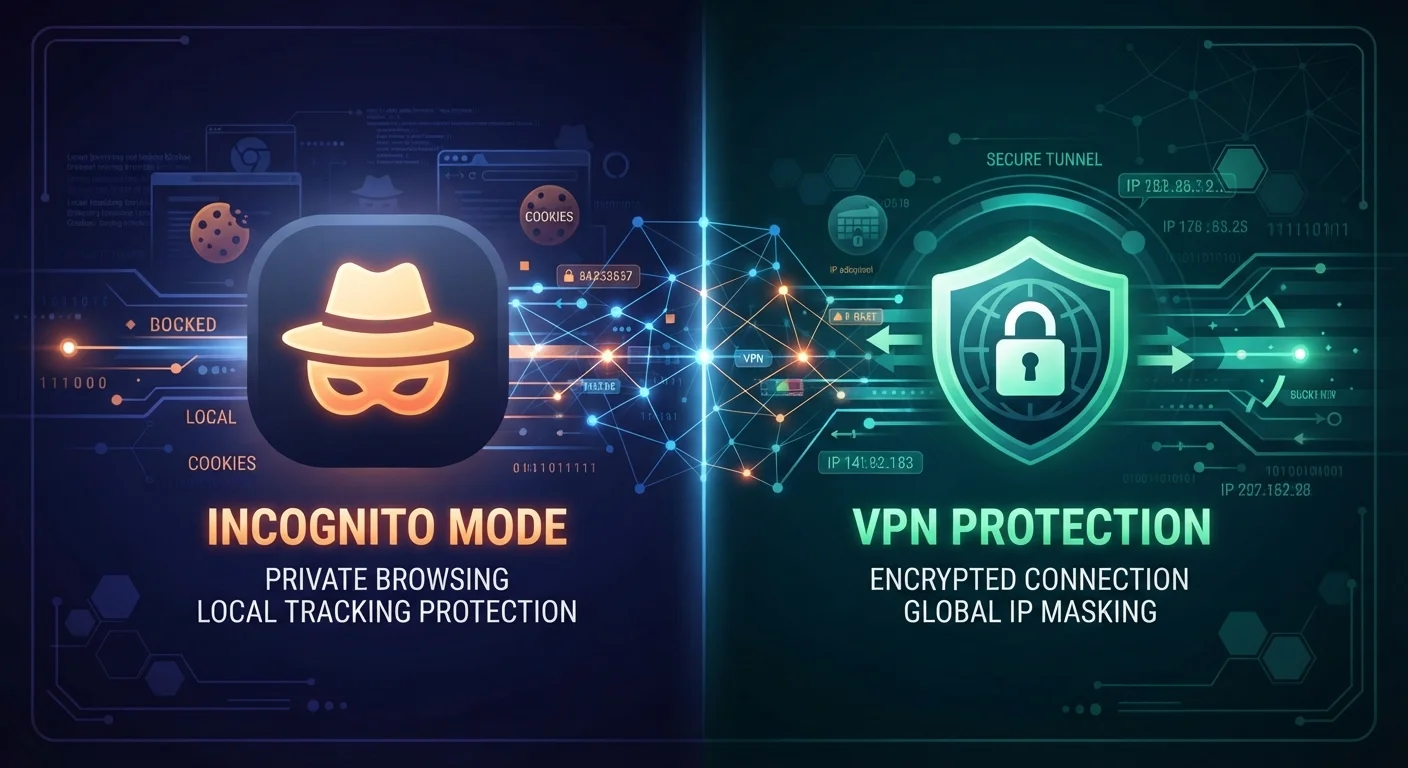
Photo: ReadersChronicle.com | Your Comprehensive Learning Destination editorial
—— In This Article
Key Takeaways
- Incognito mode only prevents your browser from saving local history - it does not hide your activity from your ISP or network.
- A VPN encrypts your internet traffic and masks your IP address from external observers, but does not clear local browser data.
- Neither tool makes you completely anonymous online - both have meaningful limitations.
- Using both together provides layered protection, addressing different threat scenarios simultaneously.
- Your ISP can still see that you are connected to a VPN server, even if they cannot see the content of your traffic.
Why the Confusion Exists - and Why It Matters
Both tools carry the word "private" in their marketing, which is where the trouble starts. Browsers label their feature "private browsing" or "incognito," and VPN services routinely promise "online privacy." To a budget-conscious consumer who just wants to browse without being tracked, these sound like two versions of the same promise. They are not.
The distinction matters because choosing the wrong tool leaves real gaps. Someone who uses only incognito mode while shopping on a hotel Wi-Fi network gets none of the protection they probably think they have. Someone who runs a VPN and assumes their browser history is wiped will find that history intact the moment they close the tunnel. Understanding exactly what each tool does - and does not do - is the foundation of any practical online safety habit.
Public Wi-Fi carries risks that most people misunderstand, and that misunderstanding is often tied directly to this same VPN vs. incognito confusion.
What Private Browsing Mode Actually Does
When you open an incognito or private window, your browser agrees to forget the session when you close it. That means no saved history, no retained cookies, and no form data stored locally. If you log into an account during that session, the browser will not remember the login once the window closes.
What incognito mode does not do is touch your network traffic. Every website you visit still sees your real IP address. Your internet service provider (ISP) - the company you pay for internet access - still logs which domains you connect to. If you are on a work or school network, the network administrator retains full visibility. Websites can still fingerprint your browser using technical characteristics that survive a private session.
What Websites Still See in Incognito Mode
Even in a private browsing session, the websites you visit receive your real IP address and can track you using browser fingerprinting - a technique that identifies your browser by its configuration, installed fonts, screen size, and other technical characteristics. Advertisers and analytics platforms can still build a profile within a single session. Incognito mode prevents local storage of that session, but it does not prevent external observation while the session is active.
In short, incognito mode is a local housekeeping tool. It is designed to keep your activity off your device, not off the internet.
What a VPN Actually Does
A VPN - Virtual Private Network - works at the network level, not the browser level. When you connect to a VPN, your device routes its internet traffic through an encrypted tunnel to a server operated by the VPN provider. From there, traffic reaches the open internet. The practical effects are significant: your ISP sees an encrypted connection to the VPN server rather than your actual browsing destinations, and websites see the VPN server's IP address rather than your own.
This makes a VPN the appropriate tool when the threat is external - someone on the network trying to intercept your data, or an ISP building a profile of your browsing habits.
| Criterion | VPN | Private Browsing (Incognito) |
|---|---|---|
| Hides activity from ISP | Yes - encrypts traffic content | No |
| Hides activity from network admin | Partially - content hidden, connection visible | No |
| Masks your IP address from websites | Yes | No |
| Clears local browser history | No | Yes - on session close |
| Prevents cookie storage | No | Yes - cookies deleted after session |
| Protects on public Wi-Fi | Yes - encrypts in transit | No |
| Requires a third-party service | Yes | No - built into the browser |
| Makes you fully anonymous | No | No |
However, a VPN does not clear your browser history or prevent cookies from being stored locally. It also does not make you anonymous - the VPN provider itself can see your traffic, which is why understanding a provider's data-logging policies matters. Additionally, your ISP can observe that you are connected to a VPN server, even if the content of that connection is hidden.
57%
US adults who misunderstand incognito mode's protections
A 2022 survey by the University of Chicago and Lehigh University found that a majority of users held misconceptions about what private browsing mode actually prevents.
~33%
Global internet users who have used a VPN
GlobalWebIndex research has consistently found roughly one in three internet users worldwide reports using a VPN in a given month, with usage higher among younger demographics.
Using Both Together: When It Makes Sense
Because the two tools solve different problems, they are not mutually exclusive - and for genuinely privacy-conscious browsing, running both simultaneously addresses more of the threat landscape. A VPN handles the network side: encrypted traffic, masked IP, ISP visibility reduced. Private browsing mode handles the local side: no history, no cookies, no saved sessions on the device.
This combination is particularly useful when borrowing a friend's device on a public network, or when you want neither the network nor the device to retain a record of the session. It is not a perfect privacy solution - no single combination of consumer tools is - but it meaningfully reduces two distinct categories of exposure at once. For most everyday users, this layered approach represents a practical and proportionate response to common privacy risks.

Tech Editorial Team
Tech Editorial Team is the collective byline for our editorial team and contributor network. Articles published under this byline or an editorial pen name are researched, written, and reviewed according to our editorial standards for clarity, consistency, and independence before publication.
View author profile