
Phishing, Smishing, and Vishing: Telling the Three Apart Before They Catch You
Scammers use email, text, and phone calls differently. Learn how each tactic works so you can spot them in real life.
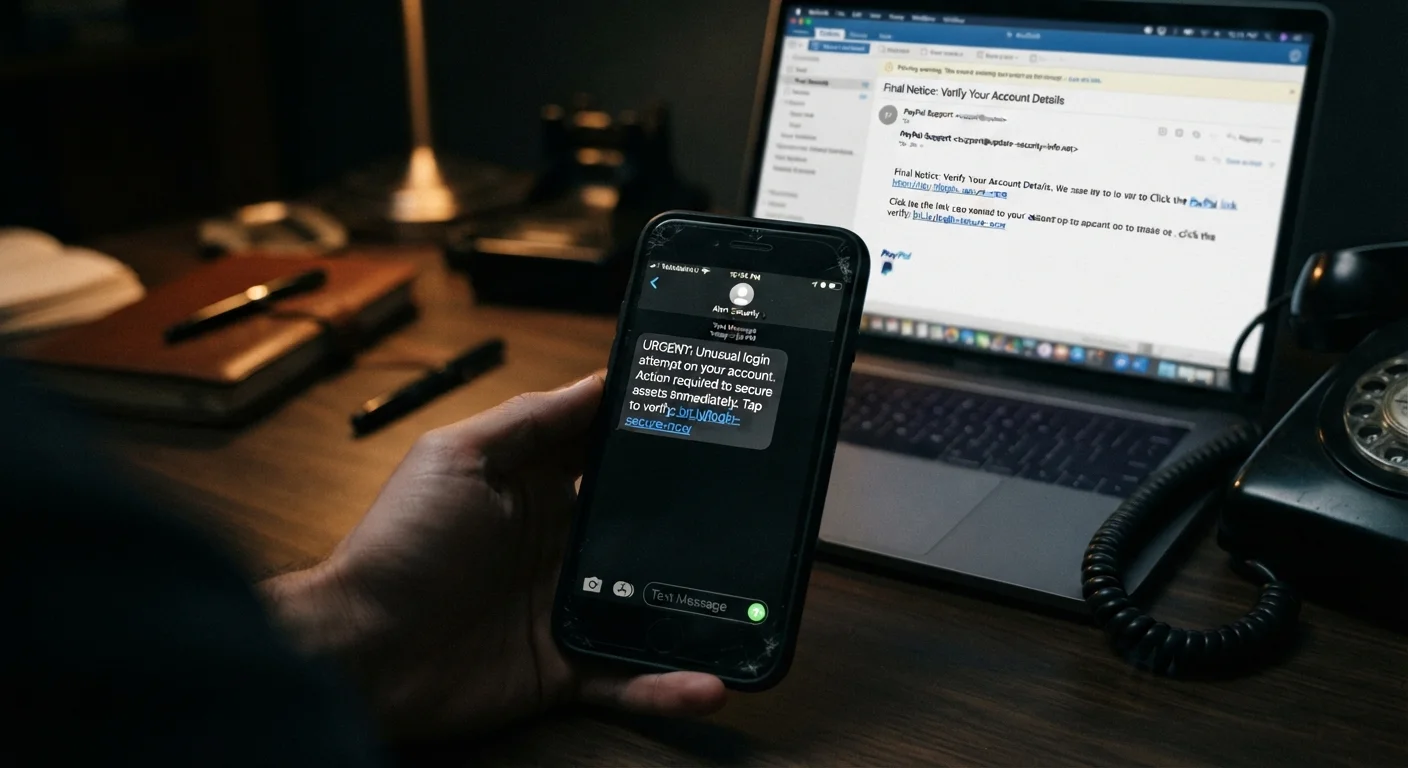
Photo: ReadersChronicle.com | Your Comprehensive Learning Destination editorial
—— In This Article
Key Takeaways
- Phishing uses deceptive emails; smishing uses text messages; vishing uses phone calls.
- All three tactics aim to steal credentials, money, or personal information through social engineering.
- Legitimate organizations will never pressure you to share passwords or payment details urgently.
- Verifying contact through an official channel - not the one that reached you - is the safest response.
- Awareness of how each method works is your most reliable line of defense.
What Each Term Actually Means
Phishing refers to fraudulent emails designed to look like they come from a bank, employer, government agency, or familiar service. The goal is to get you to click a link, open an attachment, or enter credentials on a fake website.
Smishing (SMS + phishing) uses text messages to accomplish the same objective. A typical smishing message might claim your package is delayed or that your account has been locked - with a link to resolve it.
Vishing (voice + phishing) happens over the phone. A caller impersonates a bank fraud department, the IRS, or tech support and uses real-time conversation to pressure you into giving up sensitive information or making a payment.
The word root - phishing - signals that all three are about baiting you into a trap. The bait just arrives through a different channel each time.
How Each Tactic Works in Practice
| Phishing | Smishing | Vishing | |
|---|---|---|---|
| Delivery channel | SMS / text message | Phone call | |
| Common impersonations | Banks, employers, services | Delivery firms, account alerts | IRS, bank fraud, tech support |
| Primary lure | Fake link or attachment | Short URL or reply request | Verbal pressure and urgency |
| Key red flag | Spoofed sender domain | Unsolicited link from unknown number | Caller discourages verification |
| Preferred payment method sought | Credential harvest or account access | Credential harvest or personal data | Gift cards, wire transfers, crypto |
| Best immediate response | Do not click; report to email provider | Do not tap link; forward to 7726 | Hang up; call official number directly |
Each channel exploits different habits and trust signals. Email scammers can spoof logos, sender names, and formatting to convincingly mimic a real organization. Text scammers bank on the intimacy of your message inbox - a space most people associate with people they know. Phone scammers rely on tone, pacing, and pressure; a live voice is harder to dismiss than a message.
Urgency is the engine behind all three. Phrases like "your account will be suspended," "a charge has been flagged," or "verify your identity immediately" are designed to short-circuit your judgment. Certain habits quietly create real exposure - particularly the assumption that scams are always obvious.
Caller ID and Sender Names Can Be Faked
A familiar name, logo, or even a recognizable phone number in your caller ID is not proof of identity. Caller ID spoofing and email display-name spoofing are straightforward techniques that scammers use routinely. Never treat the contact information in an incoming message or call as verification of who is really reaching you.
Key Signals to Watch For
In emails (phishing)
- Sender address doesn't match the domain it claims to represent
- Generic greetings like "Dear Customer" instead of your name
- Links that preview to unrelated or misspelled domains
- Unexpected attachments, especially .zip or .exe files
In texts (smishing)
- Unsolicited messages about deliveries, prizes, or account issues
- Short URLs that obscure the real destination
- Requests to reply with personal details or call a number
In calls (vishing)
- Caller insists you must act now or face consequences
- Request for payment via gift card, wire transfer, or cryptocurrency
- Caller discourages you from hanging up and calling back on an official number
Always Verify Through a Separate Channel
If any message or call creates a sense of urgency around your account, finances, or identity, stop and verify through an official source you find yourself - not a number or link provided in the contact. This one habit defeats the vast majority of social engineering attempts. Saving official numbers for your bank and key services in your contacts makes this easier in the moment.
What to Do When You Suspect an Attempt
The single most effective response across all three types is the same: do not engage through the channel that contacted you. If an email claims to be your bank, go directly to your bank's official website by typing the address yourself. If a text says your account is flagged, call the number on the back of your card. If a caller says they're from the IRS, hang up and call the IRS's published number.
Report suspected phishing emails to your email provider and, for government impersonation, to the FTC at reportfraud.ftc.gov. Forward smishing texts to 7726 (SPAM), which is a shared carrier reporting system in the US. Vishing attempts can also be reported to the FTC.
If you believe you've already responded to one of these tactics, act quickly. Unusual login alerts or strange account activity may be the first sign that information has been used. Changing passwords immediately and notifying your financial institution limits the damage.
This article is for general informational purposes only. For security incidents involving financial accounts or identity theft, contact the relevant institution and, if appropriate, a qualified professional directly.

Tech Editorial Team
Tech Editorial Team is the collective byline for our editorial team and contributor network. Articles published under this byline or an editorial pen name are researched, written, and reviewed according to our editorial standards for clarity, consistency, and independence before publication.
View author profile